


Store, protect & deliver your work in one place
Create beautiful galleries, back up your work, share large files and let clients find what they need faster with AI-powered search.
2TB+
Cloud storage
3x
Faster upload
10+
Useful features
Trusted by photographers, videographers and creative teams around the world.
Discover Featured Creators and Brands
EVERYTHING YOU NEED
A complete workflow for photographers


01 - RAW support
Back up and manage RAW files securely
Store original RAW files from your desktop, mobile devices or camera FTP in secure cloud storage. Keep full-quality files safely backed up, organize large shoots in one place, preview and give flexible download options - from original RAW files to smaller JPG versions.
FTP uploads from cameras
Automatic file backup
Support for all RAW formats
02 - Culling
Simplify photo selection and editing handoff
Let clients easily select their favorite photos - even from RAW collections. Export selected filenames directly to Adobe Lightroom, Capture One or other editing tools, so you can quickly find the chosen photos and continue editing without manual lists, screenshots or back-and-forth emails.
Selection from any format (also RAW)
Export to Lightroom, Capture One or others
Simple and convenient experience for clients
03 - Branded galleries
Make every gallery look professional
Create branded online galleries that are ready to share with clients, teams or event participants. Customize the cover image, layout, image size, fonts, colors, text position and light or dark theme to match your visual style.
Custom design and branding
Track views, downloads, and other activity statistics
Password-protected galleries or private links
04 - AI tools
Improve photo search with AI tools
Files.fm AI analyze photos and make large galleries easier to browse, organize and search - both for photographers and your clients. Perfect for weddings, sports events, schools, conferences, and other large shoots where people need to find their photos quickly.
Face, object, and text recognition
Automatic tags and descriptions
Fast search across large photo archives
05 - Selling
Sell digital content
Sell photos, videos, and other digital content privately to clients or publicly through your Files.fm page. Set prices by file resolution, offer purchase discounts, and define usage rights or licenses. Protect your work with watermarked previews, track sales, and request payouts from the section.
Sell photos, videos, PDFs, audio, and more
Protect previews with watermarks
Manage secure payments, orders, and sales statistics
06 - Public content
Build your public portfolio
Showcase your photos, videos, and other digital content on your Files.fm public page. Customize the design, organize content into clear galleries, and choose how visitors can access your files - view, download, or buy selected content.
Customizable public profile page
Ideal for portfolios, media archives, events, and sales
Featured profiles can appear in the Discover section
07 - Embed
Embed galleries on your website
Embed files, or full galleries directly on your website with a simple embed code. Choose a layout that fits your page - slideshow, grid, horizontal, vertical, or list view. Control how visitors can access your embeded files: allow viewing only, enable downloads.
Simple embed with Javascript or iframe
Responsive layouts for any screen
Full gallery experience in the embedded view
08 - Notifications
Stay informed with notifications
Enable notifications for important folders or galleries and receive email updates when someone interacts with your files. For each selected event, you will receive an email with details about the event type, time, visitor’s IP address, and more.
Choose which file events to track
Get email alerts for selected activity
Receive details such as event type, time, and visitor info
Get more tools and features for professional work
Upgrade your account for more storage and features
- PRO
-
$9.9 /month
- Up to 3× faster uploads
- 2 TB scalable storage
- Files up to 50 GB
- Ad-free sharing
- Password and link expiration date
- Recover deleted files for 30 days
- Receiving files from clients
- Galleries and photo selection
- Backup and synchronization
- AI faces, text and automatic tags
- TEAM
-
$25 /month+ VAT
- 4 users, including 1 administrator
- 2 TB shared space
- Organization account with details
- PRO features for the whole team
- Files remain with the organization
- Manage users and access
- File size up to 200 GB
- Notifications when a file is opened
- Users and space can be added
- BUSINESS
-
$10 /user/month+ VAT
- 10 users included
- 5 TB shared space
- You can start with 1 user and 1 TB
- File size up to 400 GB
- Postpaid invoice
- File versions up to 1 year
- File restoration up to 5 years
- User group management
- Full activity history
- All TEAM features
- Mandatory 2FA for the entire team
- Business support
Need ENTERPRISE storage, private infrastructure or custom security requirements? Contact us
Use Files.fm on any device and install apps
 Windows Sync 2025
  Android
  iOS
iOS  Linux Desktop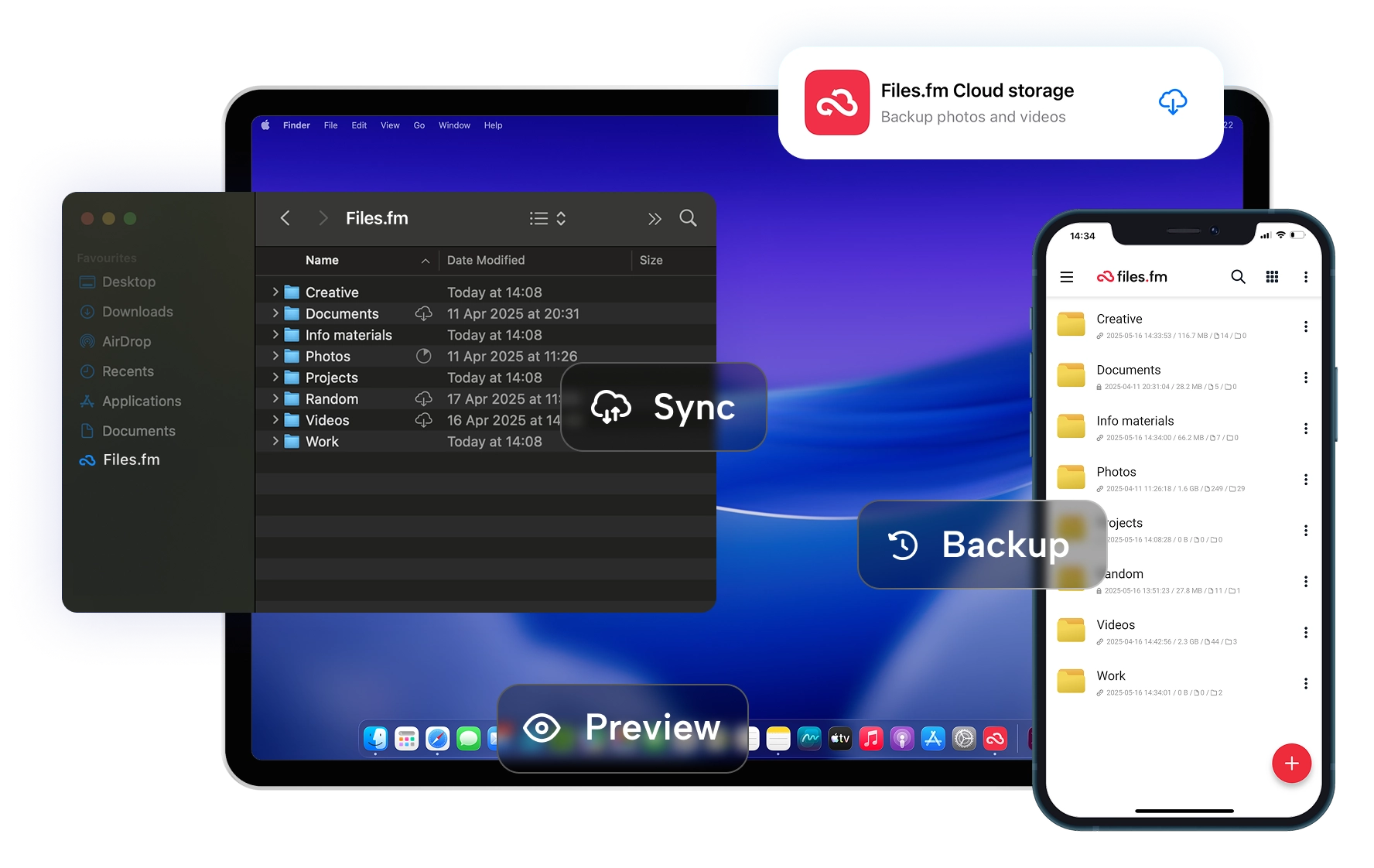
 Files.fm — EU-based cloud storage